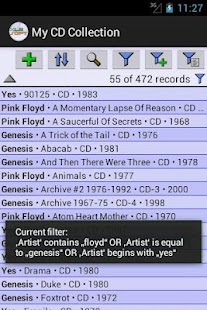
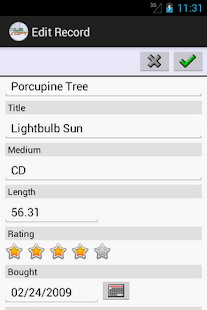
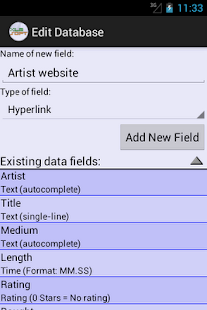
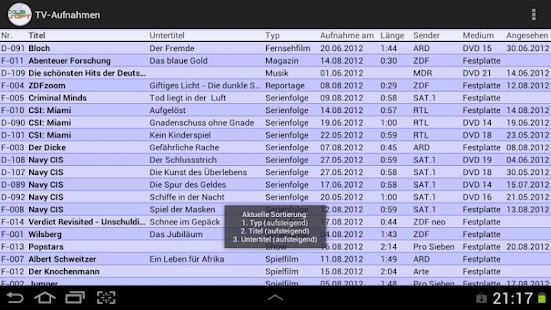
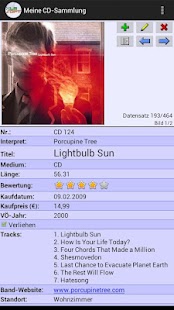
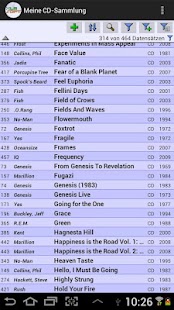
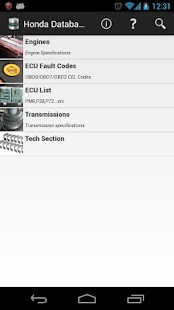
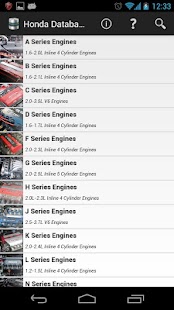
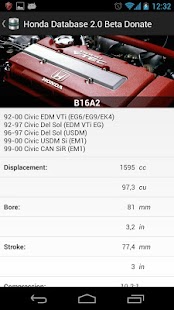
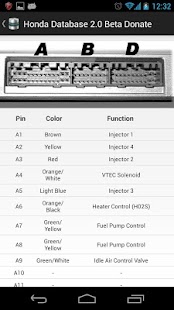
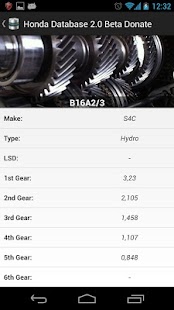
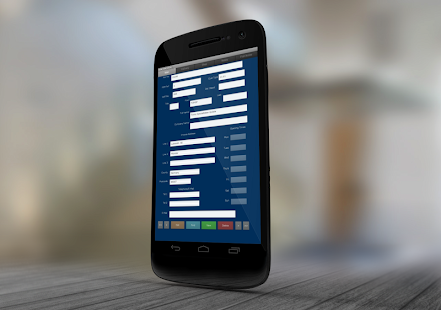
Read and Write to any desktop side database Wirelessly with your Android Phone/Tablet(3G, GPRS, EDGE or Wi-Fi). Changes on Android device can synchronize wirelessly and instantly to desktop database. Also, any modifications to the desktop database can wirelessly and instantly send to Android device, so you will always have the most current information at your fingertips.
You will need Cellica Database Desktop software. The Desktop can be connected to internet via your Wi-Fi router in another room, or desktop can be in your office few miles away connected to the internet.
What our clients says: http://www.cellica.com/customers.html
Again, even if your Android device is not connected to Wi-Fi router, Android side Cellica Database application will use your cellular data network (3G/ 4G/ EDGE/ GPRS) to send data to/from your Android from/to your Desktop.
User can work Offline when network is not available and submit data when network will available.
Features:
* Synchronize any desktop side database Wirelessly on your Android phone/Tablet(3G, 4G, EDGE or Wi-Fi).
* Add/Edit/Delete data on Android Phone/Tablet, which will be immediately transfer to database on your Computer wirelessly.
* Update data on the field, which will reflect to Server database(Desktop database).
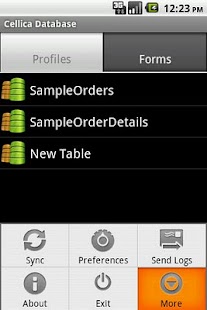
* Synchronize Table/View or Stored Procedure of your database with Android phone.
* Apply SQL select queries, Filters, Sort the fields and sync data according to it.
* Supported Databases: Microsoft Access(.mdb,.accdb)(97 and onwards), Microsoft Excel(.xls,.xlsx)(97 & onwards), Oracle, SQLServer, DB2, MySQL, PostgreSQL, FoxPro, dBase, R:BASE,Sybase, FileMaker Pro, Firebird & any ODBC Compliant Relational Database.
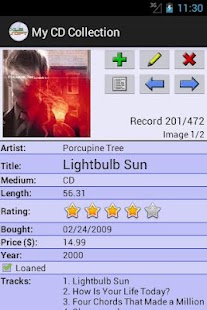
* Create your own custom database on Android Device, or choose from one of the pre-designed templates such as VehicleInfo, BankAccount,MembershipInfo etc.
* Data is secured as 128 bit AES used for encryption.
* Supports Unicode language database such as Japanese, Chinese, Korean, Russian etc.
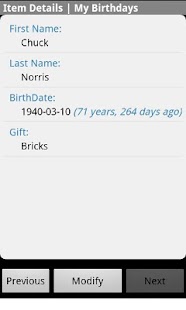
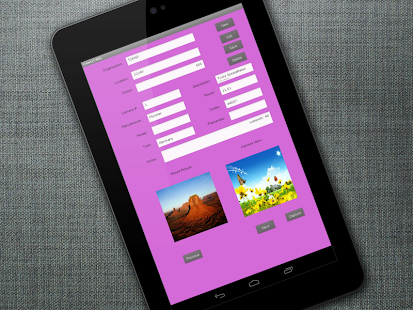
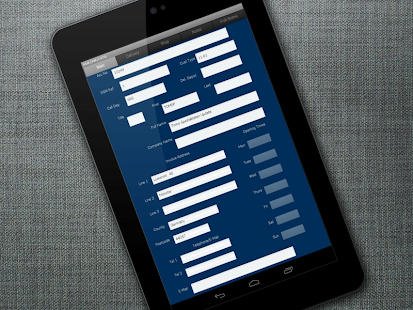
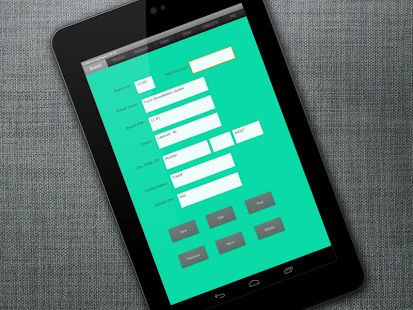
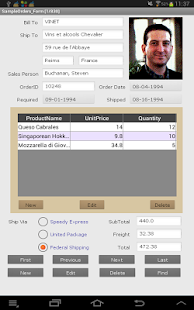
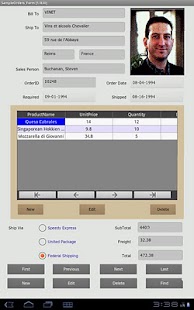
* Supported Forms on Android phone and Tablet.
* Design form on desktop with Label, Text Field, Buttons, Checkbox, Combo box, Page, Sub-form control.
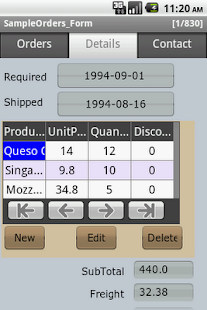
* Supports Sub forms, Design a master/detail form, or a parent/child form using sub form.
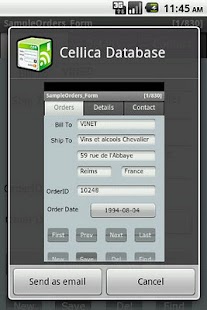
* Send single record data on form as a .png image by Email.
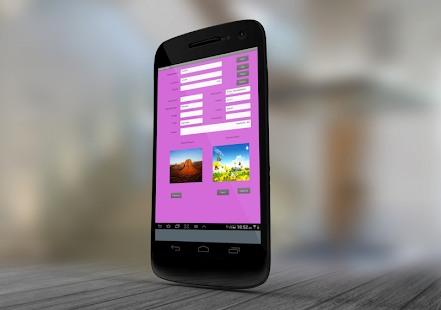
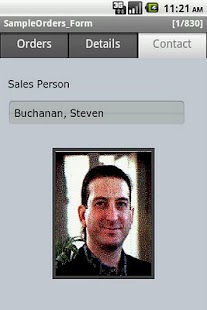
* Image control on form, Select image on device for each record.
* Create form in Portrait/ Landscape mode.
* Import/Export form design.
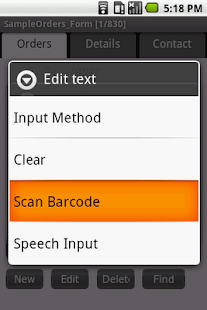
* Support Bar code scanning.
Software has 10 days evaluation period.
Download and install desktop component of this software on windows based PC from the following link.
http://www.cellica.com/DownloadforAndroid.html
User Guide:
http://www.cellica.com/AndroidCellicaDatabaseUserGuide.pdf
Device side is free to download. User needs to purchase desktop software after 10 days evaluation period. Cost of desktop software is $39.99
Purchase the full version software from the following link.
http://www.cellica.com/internet.html
Difference between Internet version and Wi-Fi version:
Following are the additional features in this Wi-Fi version.
1. Supports Signature control.
2. Support images synchronization with desktop database.
3. Instant data synchronization in both direction.
4. No need of internet on device.
Internet version allows to synchronize data from any where.
Wi-Fi version supports synchronization of data only in local Wi-Fi area.
Wi-Fi only version is not compatible with the Internet version in terms of Syncing.
For Wifi Only version
http://www.cellica.com/wifi.html
For Internet version
http://www.cellica.com/internet.html