May 12, 2015

Field Database Free (FDB-free)

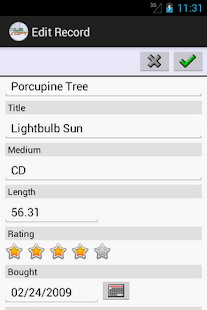
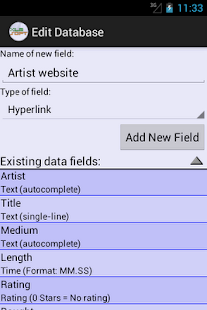
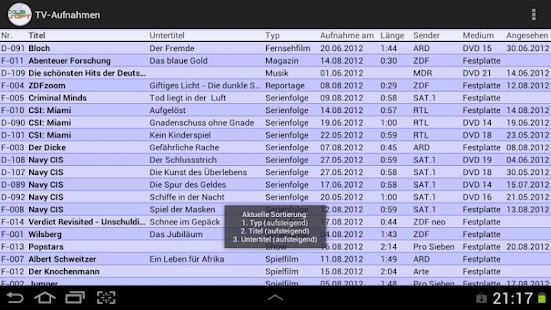
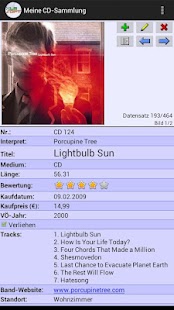
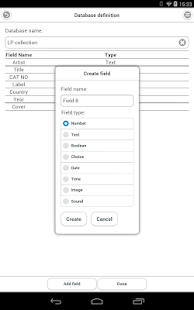
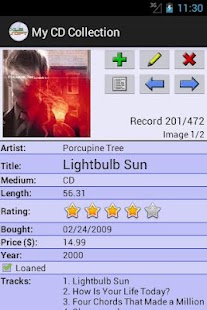
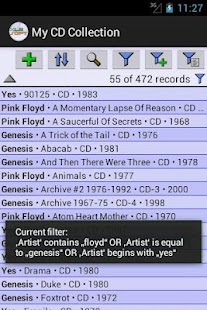
Field Database Free (FDB-free) - screenshot thumbnail Field Database Free (FDB-free) - screenshot thumbnail Field Database Free (FDB-free) - screenshot thumbnail
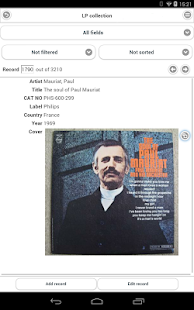
FDB is a general purpose relational database application for mobile devices. The design goal of the application is to make a database convenient for collecting data in the field. The main distinguishing feature is ability to attach sound recording or photo to any data field regardless of its type. This allows to reduce data collection activity to a few short actions.

The actual data entry can be performed later, when the user can spend more time entering data into data fields in a searchable form based on media captured in the field. The data can be entered into individual records, or simultaneously into some of the fields of all selected records.

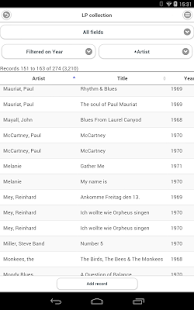
The application displays database records in customizable table and form views that share persistent settings for filtering and sorting. The display settings can be selected quickly by the name allowing easy changing of data view perspective. Aggregated computations such as total or average values of fields in selected records can be shown in report views.

The database structure can be altered at any time by adding or removing fields and relations. In addition to static field types the application provides derived fields computed from data values in static fields. Derived fields can be used for filtering, sorting and reporting just like static fields.

In the full version of the application the tables, forms and reports can be printed via Google Cloud Print service, which allows also to save printouts as PDF files.

The full version application allows importing and exporting records as CSV files for integration with other desktop database or spreadsheet applications. Data in media fields are included in separate files accompanying the text data in CSV file. The application includes meta information in a CSV file which enables full cycle export/synchronized re-import which allows syncing databases on multiple devices and modification of records with external tools such as desktop database or spreadsheet programs.

The on-line documentation included with the application can be accessed from any screen through the Help menu option. The application will automatically display the section of documentation relevant to the currently active screen.

This is a free version of the application that has some limitations compared to full version:
- Import, export and print functions are not included.
- Total maximum number of records in all databases combined is limited to 1000.

The free version is a fully fledged application with functionality sufficient for many uses. The free version does not contain any advertising or nagging.
post from sitemap

May 03, 2015

XLMSoft Database

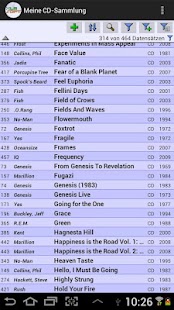
XLMSoft Database - screenshot thumbnail XLMSoft Database - screenshot thumbnail XLMSoft Database - screenshot thumbnail XLMSoft Database - screenshot thumbnail XLMSoft Database - screenshot thumbnail XLMSoft Database - screenshot thumbnail XLMSoft Database - screenshot thumbnail
XLMSoft Database is your personal database manager. Manage all of your personal data with a single app! Fast and easy to configure, easy to use!

With this app you will quickly get an overview over all your collections (e.g. your CD collection, your DVD & Blu-ray collection, your collection of books or video games, your wine cellar). Keep track of your purchases, manage inventory or task lists. The possibilities are endless.

FEATURES:
Create as many databases as you like.
Several types of data fields available to store your information: single-line and multi-line text, autocomplete text, email, hyperlink, phone number, single- and multi-select text, various number formats, date, time (time-of-day or duration), checkbox value, alphanumeric value, rating.
You can add an arbitrary number of images to every record.
Sort a database by a up to three fields.
Powerful search with wildcard characters and text highlighting.
Create and save filters with as many conditions as you need.
Easily import data from CSV files.
The freely configurable list view mode lets you display your data in tabular form just like on your PC.
Backup function.

post from sitemap

May 02, 2015

Cardfight Vanguard Database

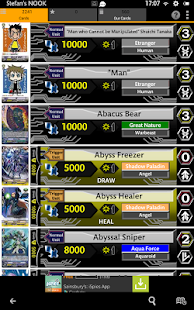
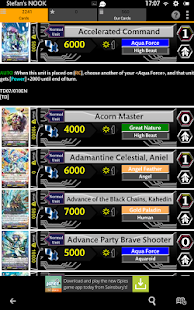
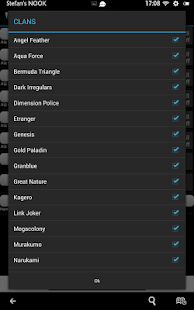
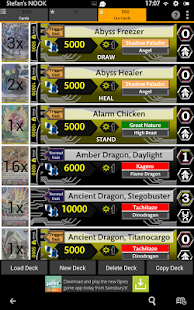
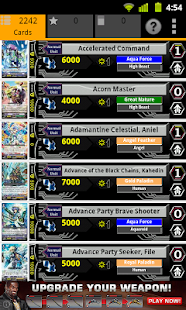
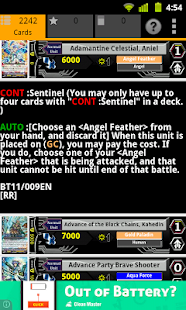
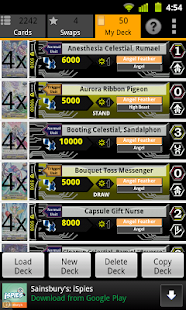
Cardfight Vanguard Database - screenshot thumbnail Cardfight Vanguard Database - screenshot thumbnail Cardfight Vanguard Database - screenshot thumbnail Cardfight Vanguard Database - screenshot thumbnail Cardfight Vanguard Database - screenshot thumbnail Cardfight Vanguard Database - screenshot thumbnail Cardfight Vanguard Database - screenshot thumbnail Cardfight Vanguard Database - screenshot thumbnail Cardfight Vanguard Database - screenshot thumbnail Cardfight Vanguard Database - screenshot thumbnail Cardfight Vanguard Database - screenshot thumbnail Cardfight Vanguard Database - screenshot thumbnail Cardfight Vanguard Database - screenshot thumbnail Cardfight Vanguard Database - screenshot thumbnail Cardfight Vanguard Database - screenshot thumbnail Cardfight Vanguard Database - screenshot thumbnail
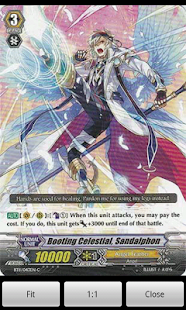
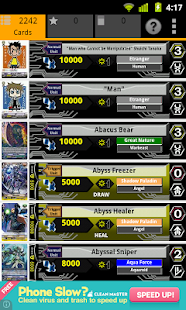
This unofficial Cardfight Vanguard Database allows players of the Cardfight Vanguard Trading Card Game (TCG) to access details of all the officially released English cards available, plus English versions of many Japanese cards that have not been released in English.

Cardfight Vanguard Database is completely free.
We would like to thank those of you who have supported this App.
It is because of you that this App remains free.

CREDITS
Artwork by permission of Tyron91
http://tyron91.deviantart.com/

IMPORTANT NOTICE FOR USERS OF OLDER VERSIONS OF ANDROID
Due to changes beyond our control, Version 3.16 will be the last version to support versions of Android below 2.3 (Gingerbread).

FEATURES
- Simple single screen layout
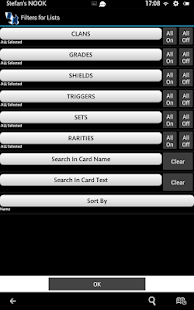
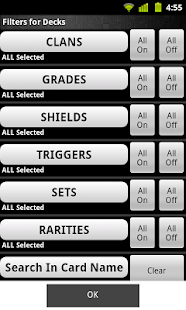
- Powerful easy-to-use filters from the Menu button or the 3-dot screen button
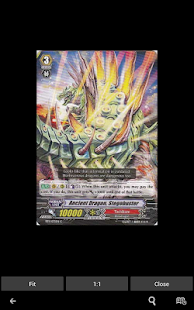
- Full size card images (requires Internet access) from clicking thumbnail
Pinch zoom and panning supported.
- Card text, sets and rarities from selecting item in list

NEW FEATURES IN VERSION 3
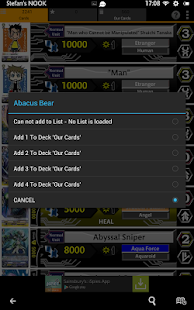
- Personal Favorites Card Lists
Make your own lists of favorite cards
Allows you to organize the cards as you like them
Build lists with the best cards for each clan, or for cards you want to trade or whatever you like
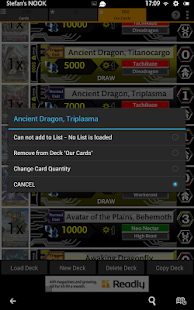
- Build Decks
Build your decks on the device
Similar to lists, but with a quantity for each card
(We will be adding deck stats, test draws etc. in a future release)

Existing users please note that filters can no longer be accessed by a 'Press and Hold', as this is now used to display the card options. If your device does not have a menu button, use the 3-dot screen button to access the filters.

Regarding the letter 'Я' (if your device can't display this character, it is the reverse 'R')
This character can not be typed on a standard Android keyboard.
If you want to use this charcater in a search, then type '*R' instead.
So a search for '*Reverse' will find all 'Яeverse'

JAPANESE SETS
We are now including Japanese sets which have not yet been released in English.
Japanese sets are shown on the Filters screen as ending with (JP).
Please note that we will only include these sets until the English version is released. At that point, the Japanese set will be replaced by the English version.
If an English version of a Japanese card has been released in an earlier set, the English version will usually be displayed.

ENGLISH VERSIONS OF JAPANESE CARDS
Please note that there are no official English translations of Japanese cards until the card is actually released in English.
The translations we use are a community effort, and are much appreciated.
Translation from Japanese to English give many possible results.
This is particularly true of the card name.
When the English version is eventually released, we then switch to the official card name.

You can see the officially released English sets here
http://cf-vanguard.com/en/cardlist/
The release schedule for English cards can be seen here
http://cf-vanguard.com/en/products/


Here at stefsquared we value your opinion.
If you have any ideas for improving this program, please get in touch.

post from sitemap

MyLists and Databases

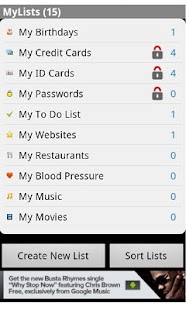
MyLists and Databases - screenshot thumbnail MyLists and Databases - screenshot thumbnail MyLists and Databases - screenshot thumbnail MyLists and Databases - screenshot thumbnail
MyLists is an essential tool for your mobile device to manage all your day to day information. Store all your information in one place such as your lists of Birthdays, Credit Card numbers, Passwords, Shopping Lists, DVDs, Running stats, Expenses, Golf scores, Blood Sugar level, whatever you desire.

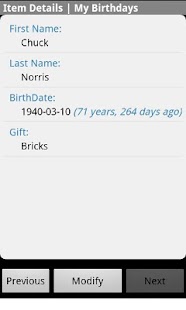
MyLists lets you create your own lists(databases) and add as many items as you want. MyLists comes installed with several sample lists and databases that will get you started right away.

Once you are familiar with MyLists you will be creating your own lists and databases in no time.

There is no limit to the number of lists you can create, list entries is limited to 100(No Limit with Pro Version).

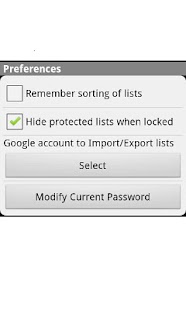
MyLists is very powerful, but is designed to be simple and easy to use. You can export your lists to your Google account in an easy to read spreadsheet. Add more list information directly into your Google Spreadsheet then simply import it into your mobile device(with upgrade to Pro).

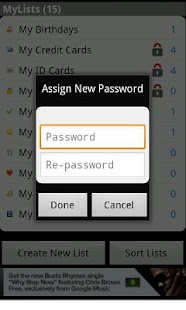
Password protect your private lists from prying eyes with a password you choose. You can even make the list invisible until you unlock the protected lists.

MyLists is your one stop tool for all your list management needs.

Main Features:
- Create/Modify/Delete lists
- Create/Modify/Delete fields within lists
- Sort Lists
- Export lists to Google Spreadsheet
- Password protect lists
- 10 data types such as Check Box, Date, Time, Phone, URL, Number, Rating and Text
- Dial numbers direct from a list entry
- Surf to URL direct from a list item

Try this out free and if you like it please upgrade to MyLists Pro which will unlock more features

post from sitemap

May 01, 2015

Panacea Database

Panacea Database - screenshot thumbnail Panacea Database - screenshot thumbnail Panacea Database - screenshot thumbnail Panacea Database - screenshot thumbnail Panacea Database - screenshot thumbnail Panacea Database - screenshot thumbnail
Panacea Database allows you to open Microsoft Access databases. We currently handle:

* Microsoft Access 2000
* Microsoft Access 2002
* Microsoft Access 2003
* Microsoft Access 2007
* Microsoft Access 2010
* Microsoft Access 2013 (still doing quality assurance testing)

Panacea Database can handle the ACCDB or MDB (Jet) format.

The Panacea Database application workflow:

First, you can either scan your SD card for all ACCDB and MDB files, or browse your SD card for those files. Then you select the database you want to use.

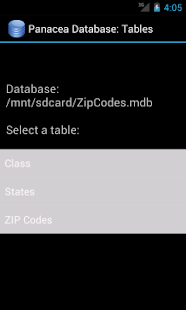
The application then lists that database's tables. You then select the table of interest.

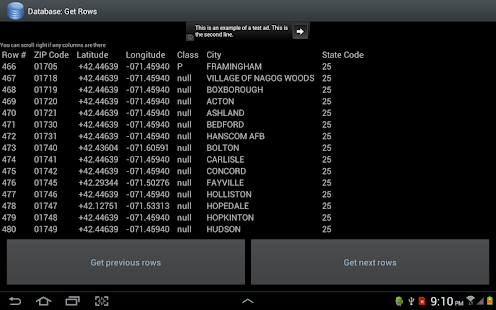
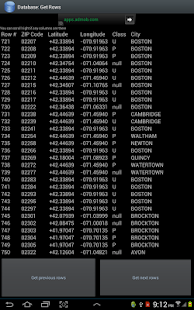
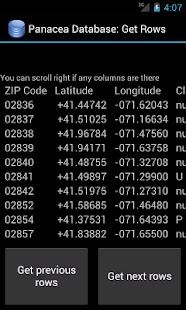
You can then iterate back and forth through the rows of that table.

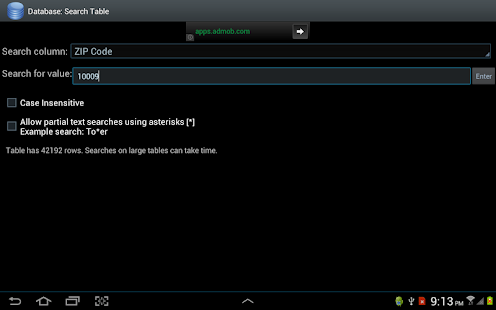
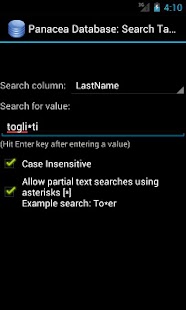
The application also allows you to search for rows with a particular value in a particular column. The program will then display the rows which have that value for that column. The application allows for partial and case-insensitive text searches.

Panacea Database is completely free. We have an ad banner on top of pages.

App functionality is limited. Unfortunately, we can not conceive of a financially viable method where we would regularly add new features to the app. We figure honesty is the best policy. We have no plans to put in forms and the like in the foreseeable future. Even things like table sorting probably will not get done in 2014. We do some maintenance though - KitKat broke a lot of things so we fixed that up. New features are probably not on the horizon for 2014 though.

Panacea Database makes use of the LGPL license Jackcess library which is under the Lesser Gnu Public License. It also makes use of the Apache commons-land, commons-logging and log4j libraries, which are under the Apache 2.0 license.

post from sitemap